

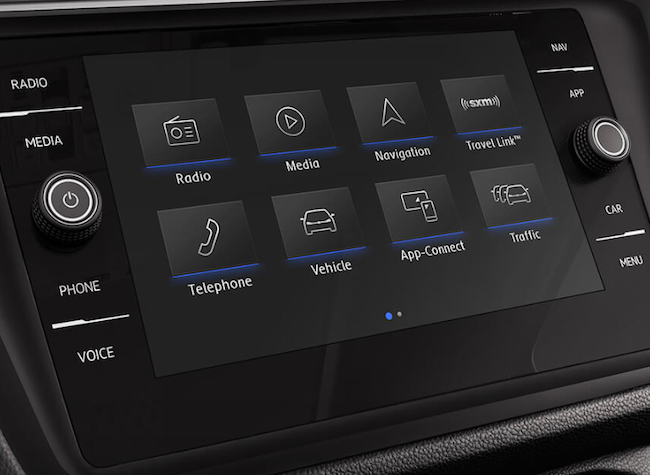
Staying connected has never been more important in today’s day and age. In fact, remaining connected while driving is the number one feature that buyers look for when purchasing a new car. While you should never use your phone while driving, especially to text and call, technologies such as the Volkswagen Bluetooth system allow drivers to use their phones through their VW infotainment system. Lunde’s Peoria Volkswagen serving Phoenix is here to tell you how to connect your iPhone to your VW bluetooth.
Stay Connected Safely with VW Bluetooth Near Phoenix
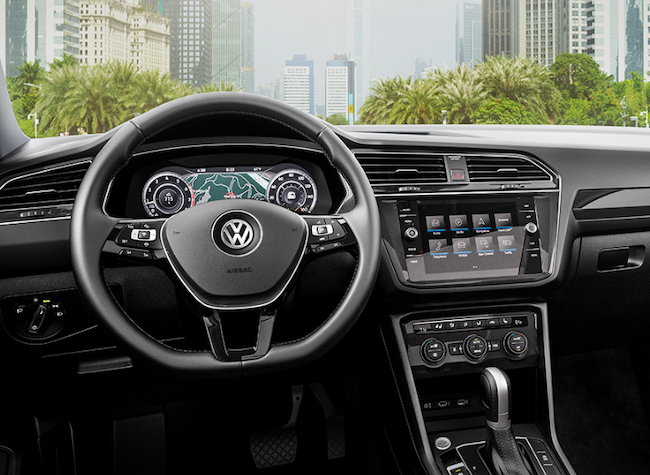
Nearly all Volkswagen models are equipped with Bluetooth, but the feature is only present in iPhone models 4 and up. Using your phone to communicate with friends and family, listening to music streaming services, and accessing your phone’s apps has never been easier with this feature. Here is a step-by-step guide on how to connect your iPhone:
- Make sure your Bluetooth is on in your phone’s settings.
- Make sure your VW is on.
- Your iPhone will begin searching for your car’s Bluetooth.
- When “VW Phone” appears, select it and pair your phone.
- Simultaneously, your VW display will show the option to connect with your iPhone. Select okay.
- Your passcode will come up to verify your phone. When it does, select okay again.
Once your phone is connected, your contacts, music, and compatible apps will be downloaded for your convenience. This will allow you to seamlessly connect with friends and loved ones while driving. Remember, it is illegal to text or call and drive. Utilizing this feature in your VW will make the roads a safer place for drivers and pedestrians.
If you have any questions about how to connect your iPhone to your VW bluetooth, be sure to contact us at our Phoenix area dealership. We’ll be happy to help!
Connect with us
